Professional screen capture program
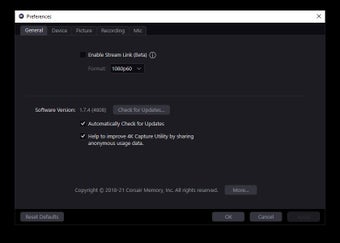
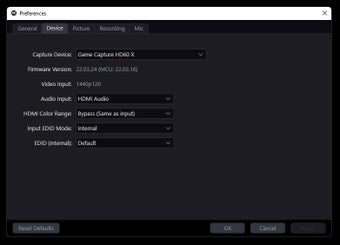
Elgato 4K Capture Utility is a free utility software for Elgato's 4K-capable game capture cards. It offers a straightforward interface designed to record high-fidelity footage without complications. It ensures low-latency pass-through and enables seamless recording of console or PC content, supporting resolutions up to 4K at 60fps with HDR color depth.
Top Recommended Alternative

One of the best out there
Elgato 4K Capture Utility features Flashback Recording option, which buffers gameplay so you can save footage after an event occurs, eliminating the need to record continuously. Furthermore, the software provides multi-app support, meaning the captured feed can be simultaneously sent to other streaming applications like OBS or XSplit, streamlining complex setups.
However, it has some drawbacks: it demands a powerful CPU and significant system resources, meaning users with older or less performant machines may experience frame drops or instability. Moreover, unlike some competitors, this utility is exclusively designed for Elgato hardware, limiting flexibility, requiring users to be locked in Elgato’s ecosystem.
Works when you need it
In conclusion, the Elgato 4K Capture Utility is valued for its reliable low-latency recording and the invaluable Flashback feature, which saves spontaneous great moments. While its high system requirements and commitment to a single brand are limiting, the clean interface and stability make it the top choice for professional-grade 4K capture.